
Atom IDE
Atom-IDE is a set of optional packages to bring IDE-like functionality to Atom and improve language integrations.

Get smarter context-aware auto-completion, code navigation features such as an outline view, go to definition and find all references. You can also hover-to-reveal information, diagnostics (errors and warnings) and document formatting.
Sublime Text Editor
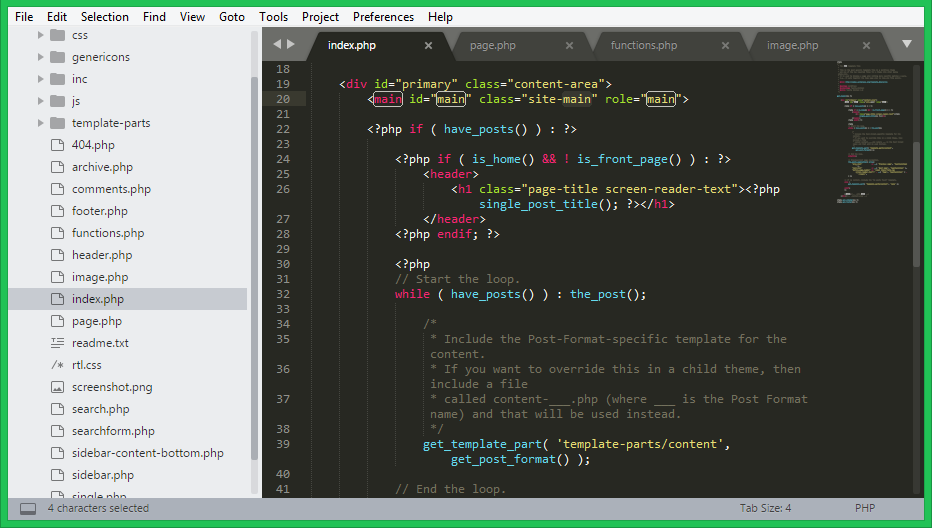
A sophisticated text editor for code, markup and prose https://www.sublimetext.com/
Features:
GOTO ANYTHING
Use Goto Anything to open files with only a few keystrokes, and instantly jump to symbols, lines or words.
MULTIPLE SELECTIONS
Make ten changes at the same time, not one change ten times. Multiple selections allow you to interactively change many lines at once, rename variables with ease, and manipulate files .
POWERFUL API AND PACKAGE ECOSYSTEM
Sublime Text has a powerful, Python API that allows plugins to augment built-in functionality.
Package Control can be installed via the command palette, providing simple access to thousands of packages built by the community.
CUSTOMIZE ANYTHING
Key bindings, menus, snippets, macros, completions and more – just about everything in Sublime Text is customizable with simple JSON files. This system gives you flexibility as settings can be specified on a per-file type and per-project basis.
SPLIT EDITING
You can edit with as many rows and columns as you wish. Take advantage of multiple monitors by editing with multiple windows, and using multiple splits in each window.
Visual Studio Code
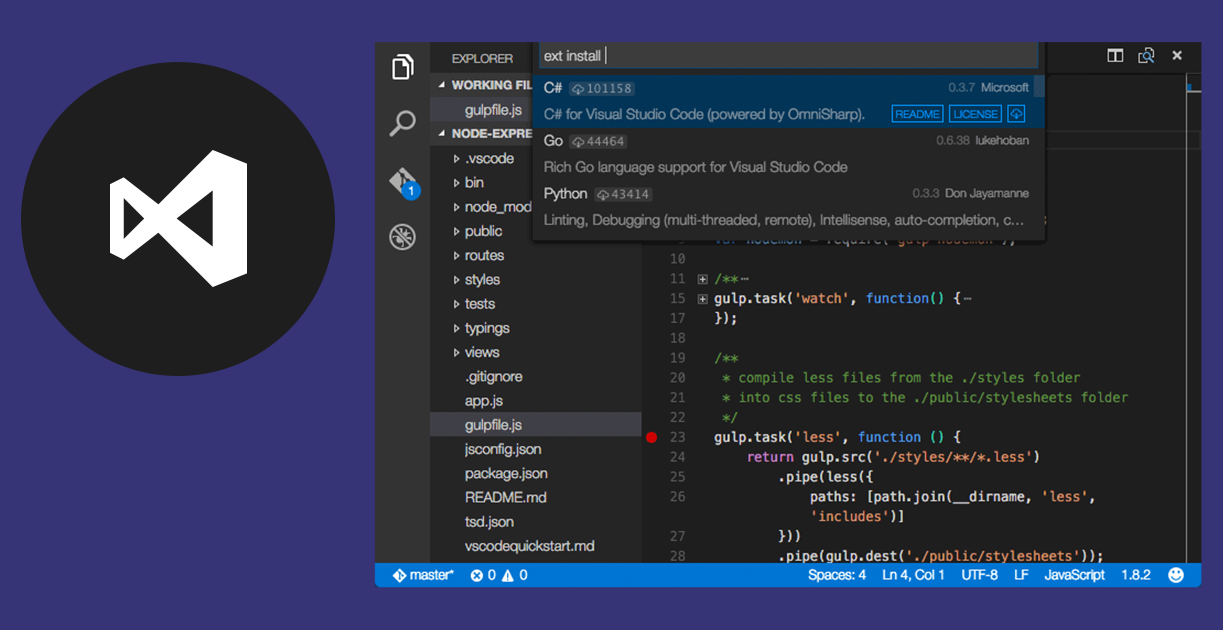
Code editing.Redefined.
https://code.visualstudio.com/
Free. Open source. Runs everywhere
Features:
IntellSense
Provides smart completions based on variable types, function definitions, and imported modules.
Git commands built-in.
Review diffs, stage files, and make commits right from the editor. Push and pull from any hosted SCM service.
Extensible and customizable.
Install extensions to add new languages, themes, debuggers, and to connect to additional services. Extensions run in separate processes, ensuring they won’t slow down your editor


